v4.3

This is a pretty large update with a lot of quality of life changes, as well as some missing additions to already existing features. The biggest things to mention are all the new integrations that TorBox now has. You are now able to upload your files directly to Google Drive, Onedrive, Dropbox, 1Fichier, GoFile, and soon Mega. You are now also able to add links directly to JDownloader2. Along with uploading and downloading files, we now have a JDownloader2 plugin! Thank you to the JDownloader2 team for creating this! There are a ton of other new integrations that we will go over below. This is also a "Fix everything" version. We fixed so many glaring issues with the service, which we are very happy about.
Website
Fixes "Open in Player" button to show the drop down properly on all devices.
Fixes "Open in Stremio" button not working properly.
Changes "Open in Download Manager" button to "Copy Link" button.
Fixes links properly copying on Firefox and Safari browsers.
Changes look and feel of notification popups. They now group up and show on top of each other. This change saved us over 1000 lines of code in total, across the entire website, and it is a lot simpler for us to now make changes to the look and feel of notification popups. More work will be done on these in the future.
Allows you to pass a password to the debrid. You can now download files with passwords from hosters. Of course, this is optional for files not requiring a password.
Fixes quick add page not adding torrents.
Changes look of download buttons on the download page. Shows status of transfers on the button depending on the download.
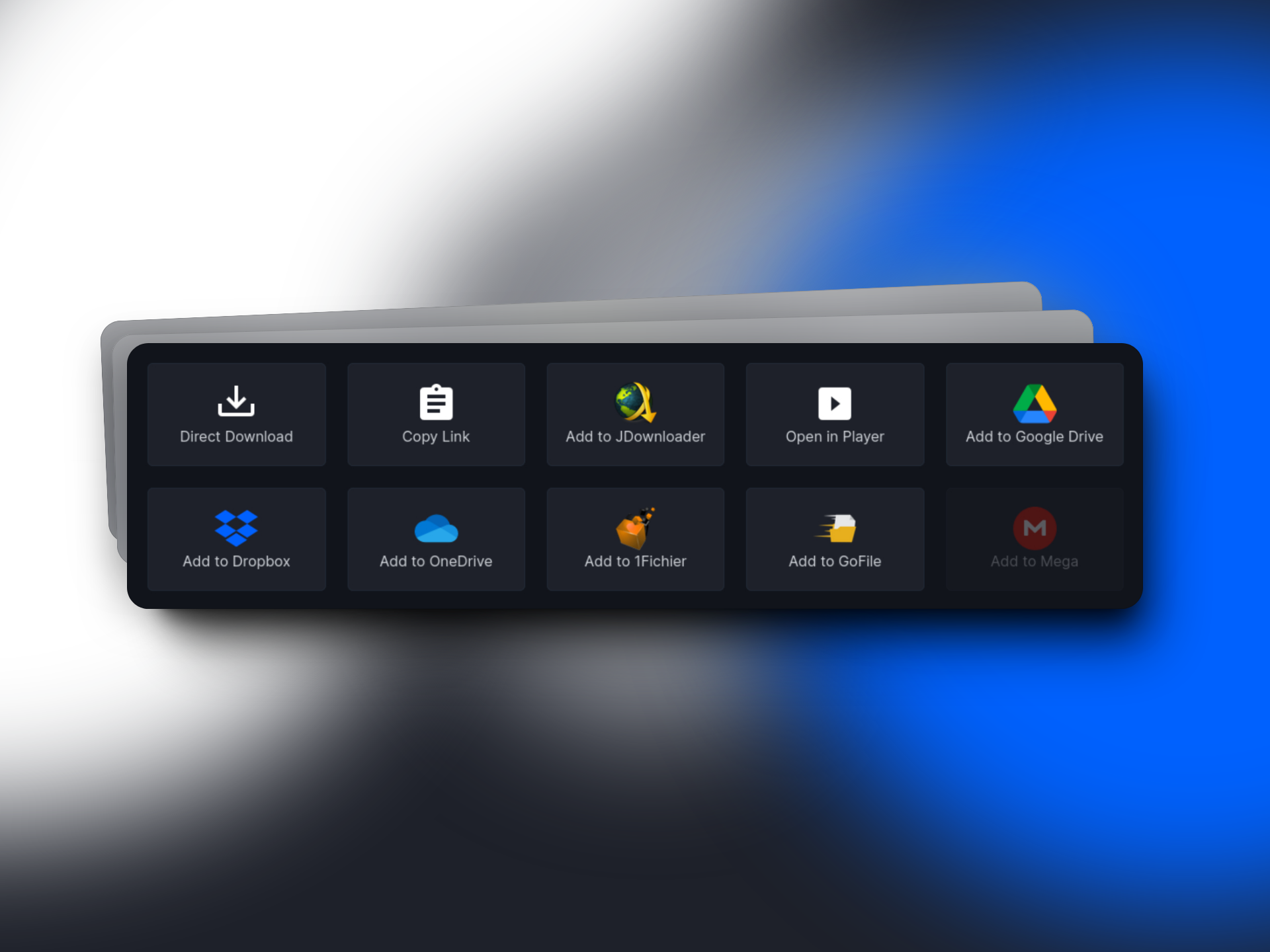
Allows you to download a file directly to JDownloader. On the download page, simply click the "Add to JDownloader" button, and it will open JDownloader2 (assuming the application is already open on your computer) and will prompt you asking if you want to add the link. This button saves you a step, rather than clicking on Copy Link, opening the app, and going through all the steps, this is a simple button.
Google Drive, Onedrive, and Dropbox integrations are a lot more simplified.
For Google Drive, it will work mostly the same, simply click "Add to Google Drive" and it will open a popup (or new window/tab) asking you to choose an account, and give permissions to TorBox to access your Drive. It will then begin uploading to Google Drive.
For Onedrive, the process has been simplified greatly. Before, you had to (for some reason) click and log in multiple times. This time around, it's a single login, like it should have been.
For Dropbox, this is the biggest change, login is simplified, like all the others. You no longer can select a folder like before, it simply uploads everything to it's own "TorBox.app" folder. While some might not appreciate this, it allows all files to be organized where they came from. The other big change is that it no longer requires you to upload the file using your own internet. Before, your internet acted as a proxy that downloaded from TorBox, and uploaded to Dropbox. This was slow, and prevented you from leaving the page, unless you no longer wanted your download. Now, just like all the integrations, uses TorBox's own high speed servers to upload directly to Dropbox's servers.
Added 1Fichier integration. Allows you to directly upload your files to 1Fichier and get a link that takes you directly to the 1Fichier download page. With this you can also define a folder along with a login token in the TorBox settings, that allows you to put your files wherever you want in your 1Fichier account. You can also define a password when uploading to 1Fichier (This is only available via API at this time).
Added GoFile integration. Allows you to directly upload your files to GoFile and get a link that takes you directly to the GoFile download page. You can also define your API key and a folder in the TorBox settings so you can put your files wherever you want.
The new integrations page shows off all of TorBox's amazing integrations in an easy to digest way, allowing you to view the pages, and authors, as well as a basic description of the integration and what you might use it for.
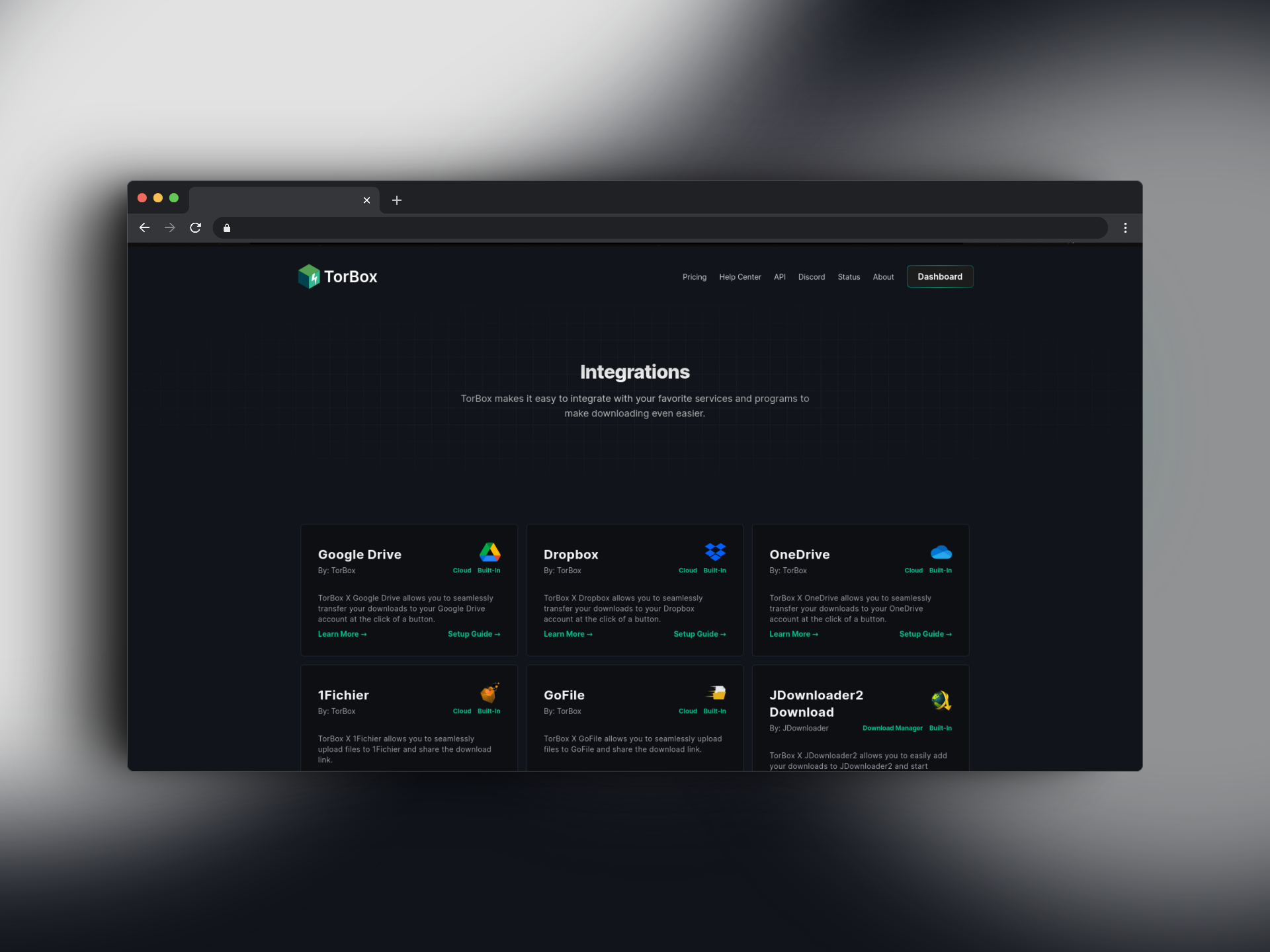
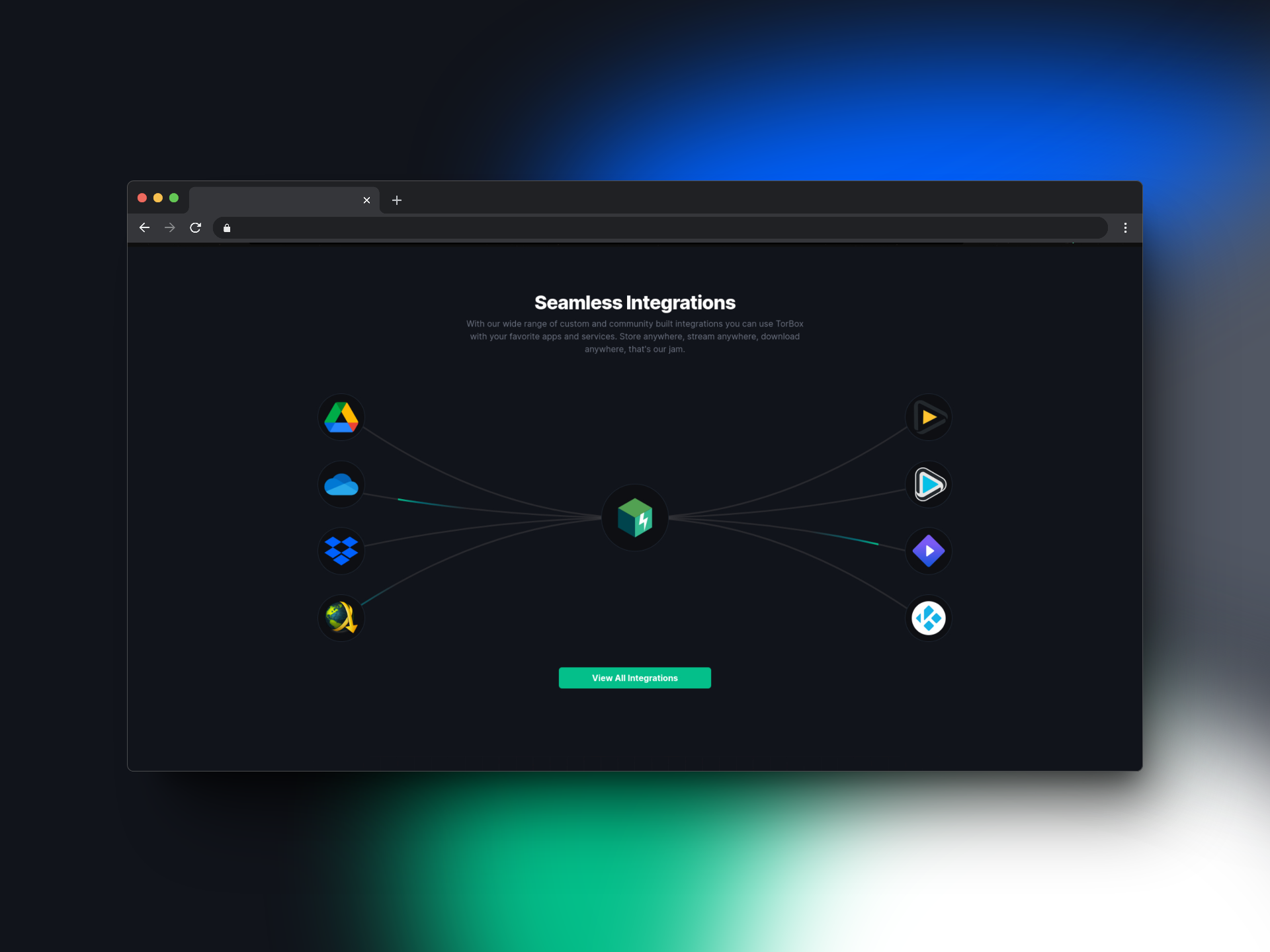
Adds section to landing page about integrations with a button taking you to the integrations page, we are pretty happy with how this turned out.
Fixed a small edge case where the allow zip switch wouldn't be switched the same as the settings if opening and closing the Add Torrent popup.
Service
Fixed some RSS feeds not working properly due to links not being accessible, due to redirects or others. The API will now follow redirects to be able to cater to more types of RSS feeds, rather than standard ones.
Fixed previously missed RSS feed items from never downloading. The API will now check all of your previously, not downloaded, and not ignored RSS items for new torrents.
Background tasks now run properly. These are invisible tasks that are crucial to the service staying afloat, and previously they were crashing, getting cancelled for some random reason, or other things that were preventing them from running.
Payments
We finally made the move to Sellix subscriptions. All Stripe subscriptions were cancelled and users were advised to switch to our new subscription system, as to not lose service.
Integrations
Riven, a Plex-Debrid rewrite has added TorBox as a debrid! This allows you to use TorBox with Plex simply and easily using a simple app, either self-hosted, or hosted using an external service such as ElfHosted. We will be writing a guide on how to integrate and setup Riven with TorBox soon.
Ferrite, a media search engine, which allows you to add searched items to a debrid, has added TorBox as a debrid! This allows you to use a Stremio alternative, on iOS devices. We will be writing a guide on how to install and use Ferrite with TorBox soon.
JDownloader2, one of the most popular download managers has created a TorBox plugin, that allows you to use pretty much all of TorBox's features, right from the JDownloader application! You don't even need to use the TorBox website if you wanted to. We will be writing a guide on how to install and use it with TorBox. THIS IS CURRENTLY IN BETA. If you encounter bugs, please report it to us or the JDownloader team.
Using TorBox with the *arr apps is now possible! Thanks to this application created by West, you can now use TorBox with your already existing arr apps! It is a little complicated to get set up, but we will be writing a guide on how to install and use it with TorBox.
Like mentioned above, we now have 1Fichier and GoFile integrations, which work seamlessly with TorBox. We are also working on a Mega integration as well.
Stremio Addon
The TorBox stremio addon now gets searches from Torrentio and other existing search APIs, as well as it's own. This is due to the amount of complaints we get about quality as well as loading speed with our own search API. While we are very proud of our own APIs, it is very obvious that we haven't spent as much time perfecting the search as Torrentio or other search APIs have. We want to provide the best experience possible for our users, so even if that means not using our own home grown solutions, we will do it, so we have. Results should be nearly identical to Torrentio, but will all the added features of TorBox's Stremio addon.
Fixed filtering and gave more results to addon due to bad parsing.
Discord Bot
Fixed handling torrents that don't have a name attached. Before, the application would crash trying to split up a torrent magnet. This is no longer an issue.
WebDAV
Slightly increased responsiveness and decreased response times (this is a good thing). Average response time dropped from 25 seconds (uncached) to about 12 seconds (uncached), and from 12 seconds (cached) to about 7 seconds (cached). We would call that a success! The change was that each file was being hashed (getting the MD5) every time the file was part of a request. This is exceptionally inefficient, luckily this has been fixed.
API
BREAKING CHANGE: There is no longer any endpoints for adding to Google Drive, and Onedrive from the
/torrents,/webdland/usenetendpoints.BREAKING CHANGE: For the
/checkcachedendpoint, if there are no cached results found, the data key will only show null rather than an object. API DOCS.NEW:
{
   "success": true,
   "detail": "No cached data found.",
   "data": null
}
OLD:
{
   "success": true,
   "detail": "No cached data found.",
   "data": {
      "data": false
   }
}
You are now able get the files inside of the cached torrent/web download/usenet download. This works on any of the
/checkcachedendpoints (as all do the exact same thing). This can be used for more rich data to show to your users. It shows the name of the file, as well as the size of the file in bytes. API DOCS.You are now able to pass in a password to web downloads. This allows you to unlock a file if necessary. API DOCS.
You can now request user settings when viewing user data at
/me. API DOCS.Web downloads now have an
errorkey, which is supposed to be viewed during or after a download has failed or is downloading. API DOCS.New
/integrationsmain route has all of the integration endpoints. This is where the Google Drive and OneDrive upload endpoint have been moved. It also adds all of the other integrations, OAuth, and Jobs. API DOCS.